See it before you install it
A media OSD for the playing track, three ways to draw the on-screen display, about 150 skins across the interface, and a settings window for every part of it.
New in 26.1
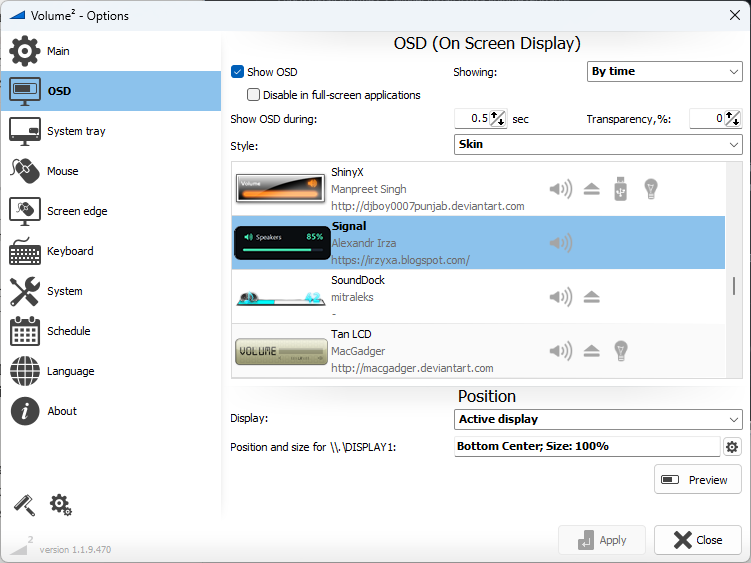
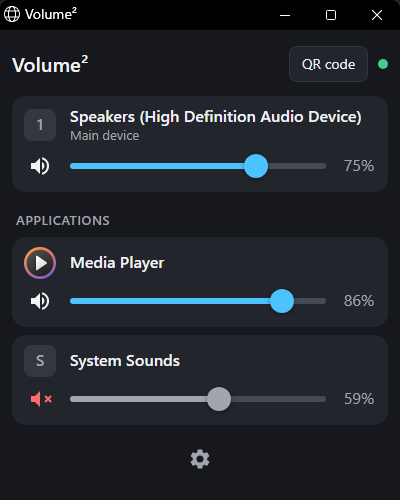
media OSD, clickable skins, phone remoteOn-screen display
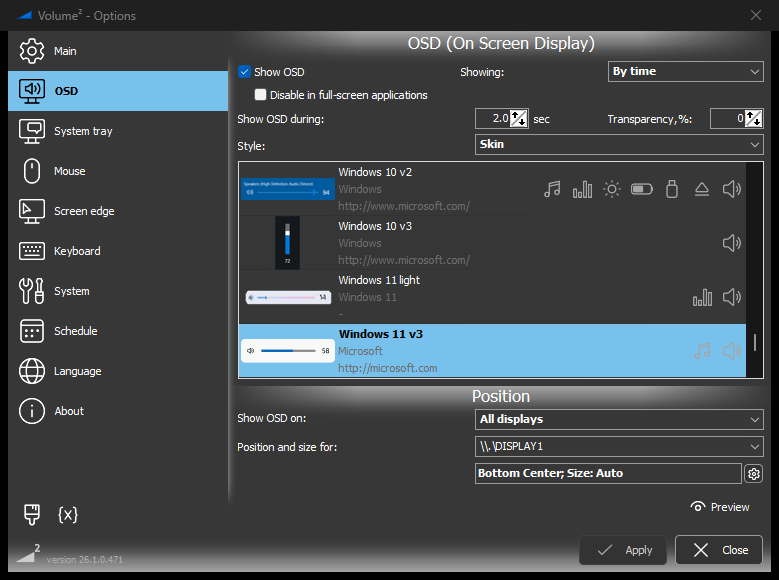
3 stylesText
Write your own line with tokens — %D device, %V volume, %dB decibels, %ChN channel — with your font, colour, outline, border and a block progress bar. Place text anywhere with %C(x,y).
Skin
72 skins, from OS look-alikes to hi-fi panels, many of them SVG and sharp at any scaling. Each is a folder with a Skin.xml and its pictures, so copying one makes your own.
TrackBar
A plain bar, vertical or horizontal, sized in pixels, with its own colours for sound on and off — and the percentage alongside if you want it.
Skins for the Skin style
12 of 72 included · ♪ shows the playing track on the media keys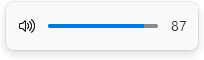

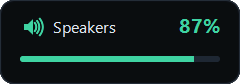
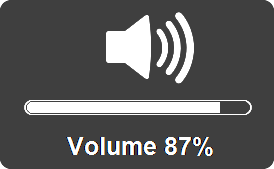


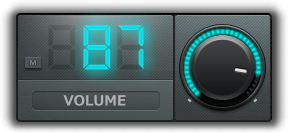
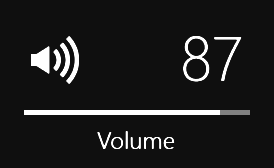
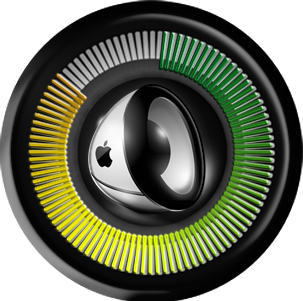
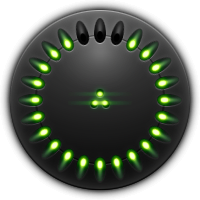

All 72 skins come with the installer. Browse them on GitHub →
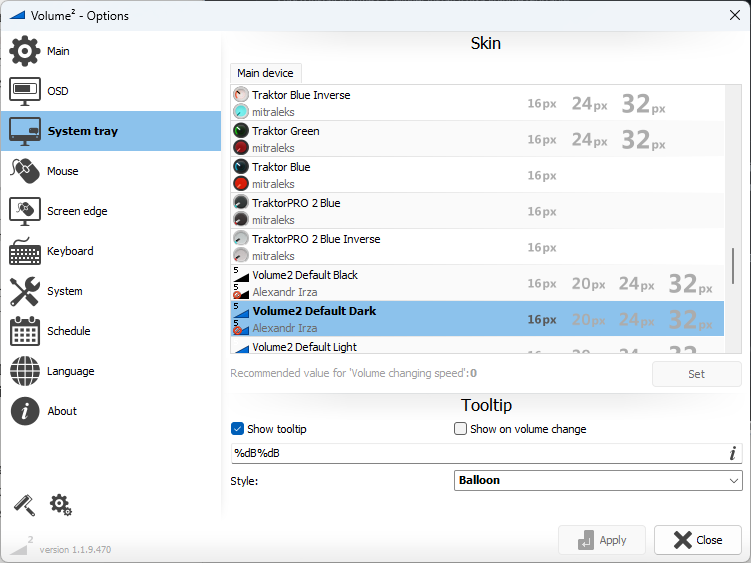
Tray icons
49 skinsA few of them
A main and an alternative device each get their own tray skin, and both swap automatically between light and dark mode.
Peak meters
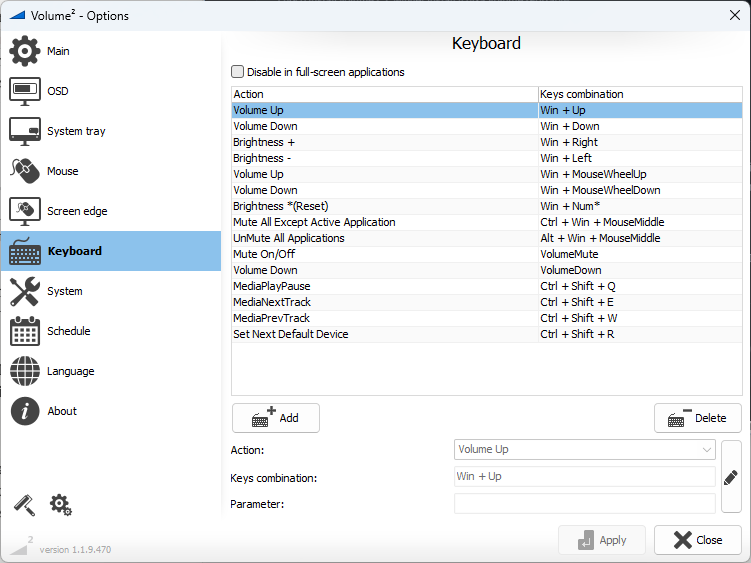
29 skinsSettings
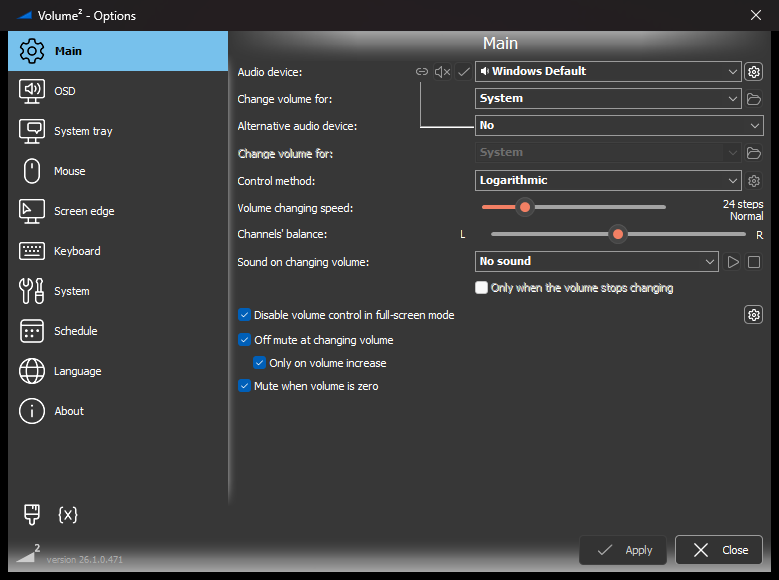
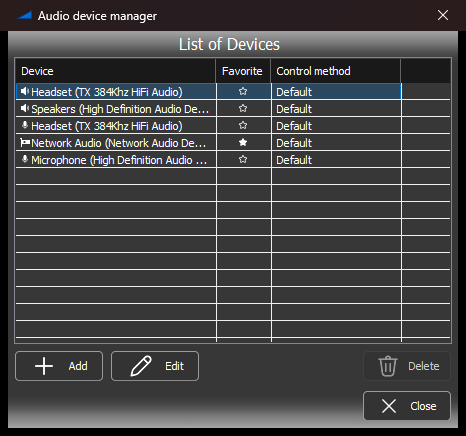
every part of it